-
Setting Up Web Analytics with Optimizely ODP via Google Tag Manager
A GTM-first, event-driven implementation guide (with a reusable Custom Template and a universal event taxonomy). Optimizely Data Platform (ODP) is not “just another web analytics UI”. It’s an event + customer-profile system: you collect behavioral events, link them to identities over time, and then use that data for segmentation (audiences) and activation. If you try
-

Track PDF Engagement with PDF.js (Page Views, Scroll Depth, Downloads, Print). GA4 / GTM ready
Backstory (why this post exists at all) This article basically wrote itself because I ran into a simple question: how to track what users actually do inside a PDF on website? Companies love PDFs. Whitepapers, manuals, reports, price lists, templates… you name it. And as a site owner you usually know only one thing: how
-

Google quietly changed the GA4 cookie format (GS2)
Yesterday your tracking was “fine”. Today: That’s usually the worst kind of bug: everything fires, but everything lies. What happened: GA4 started rolling out a new format for its session-state cookie around May 6, 2025. The community calls it GS2. Quick clarification: which GA4 cookies are we talking about? GA4 web tagging typically sets (at
-
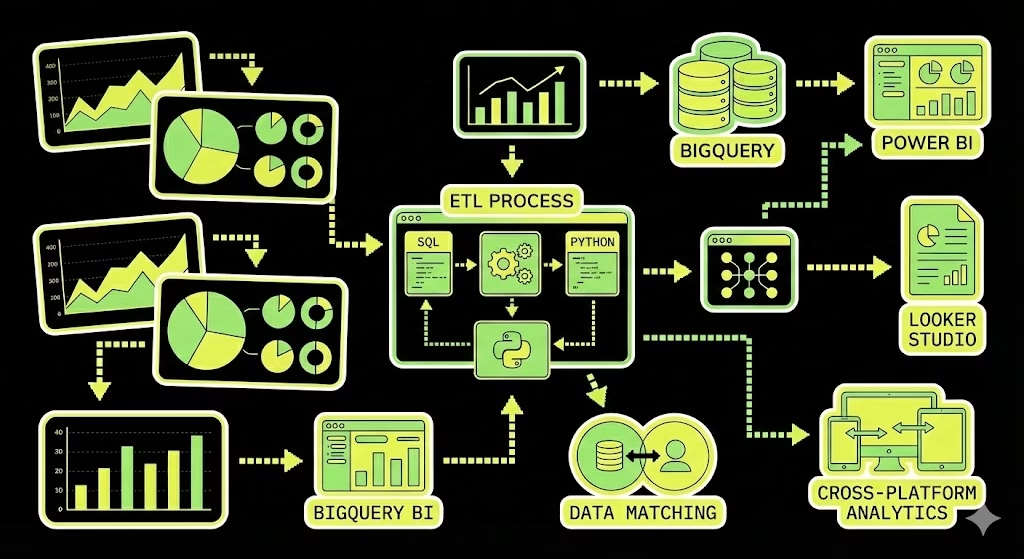
Building a Matomo Cloud -> BigQuery ETL Pipeline (for Looker Studio / Power BI)
“There’s nothing more fun than exporting 100,000 rows of logs per day via the Matomo Cloud API.” At some point GA4 + cookie banners stop giving you enough signal for real analysis. And when a client / business / you need clean data down to every click, Matomo often looks like a solid plan. But
-
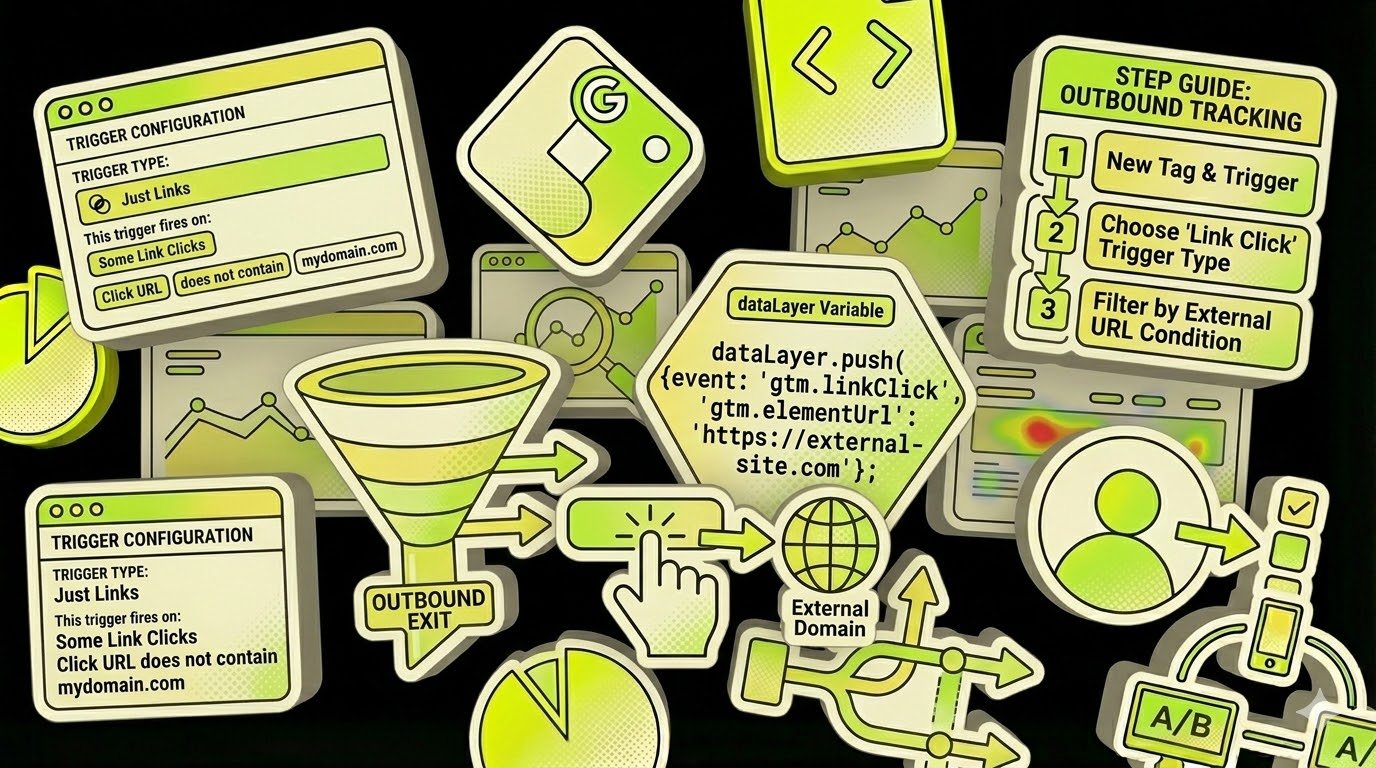
Tracking Outbound Links in GTM
Tracking outbound link clicks in Google Tag Manager is streamlined using the Auto-Event Variable configuration. Auto-Event Variable Auto-Event variables access the target element of an automatic event (e.g., Click, Error, Form Submit). When configuring, you must specify the required element component: Returns The variable returns the value of the selected component. If no auto-event is